Google Play Store PC
Google Play is Google's digital distribution platform. On Windows, Google offers Play content through the browser and Google Play Games on PC.
52.9 MB

5.0.1.8682 · Baidu · Page updated
PC App Store is a free software store for Windows from Baidu for finding, installing and updating PC programs. This page covers version 5.0.1.8682.
Average 0.0 · ratings: 0
Thank you! Your rating is saved; you can change it. Could not save the rating. Please try again later. Too many ratings from your network today. Please try again tomorrow. The average appears after 5 ratings.
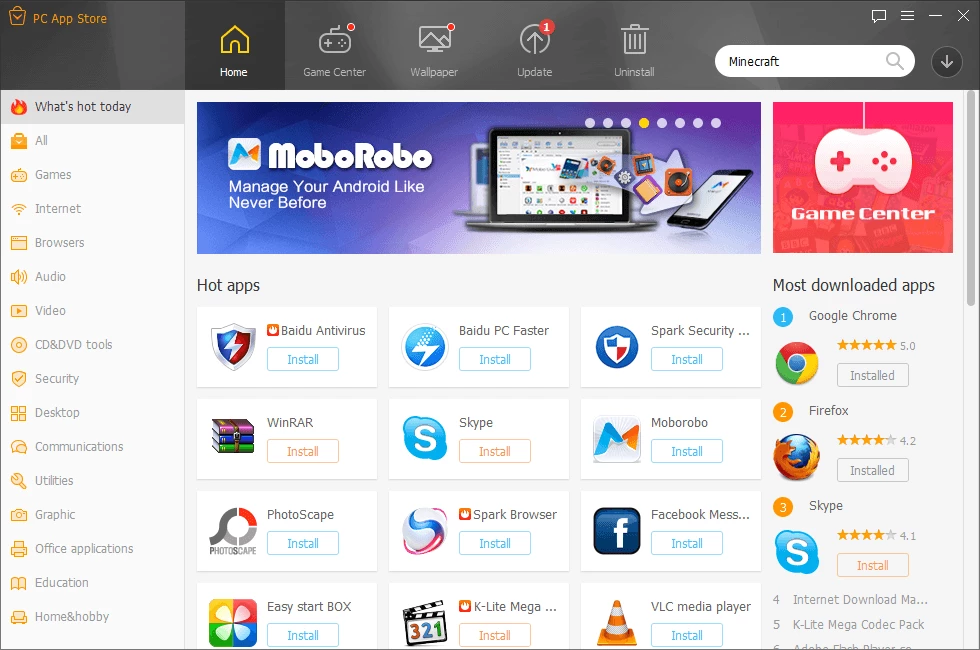
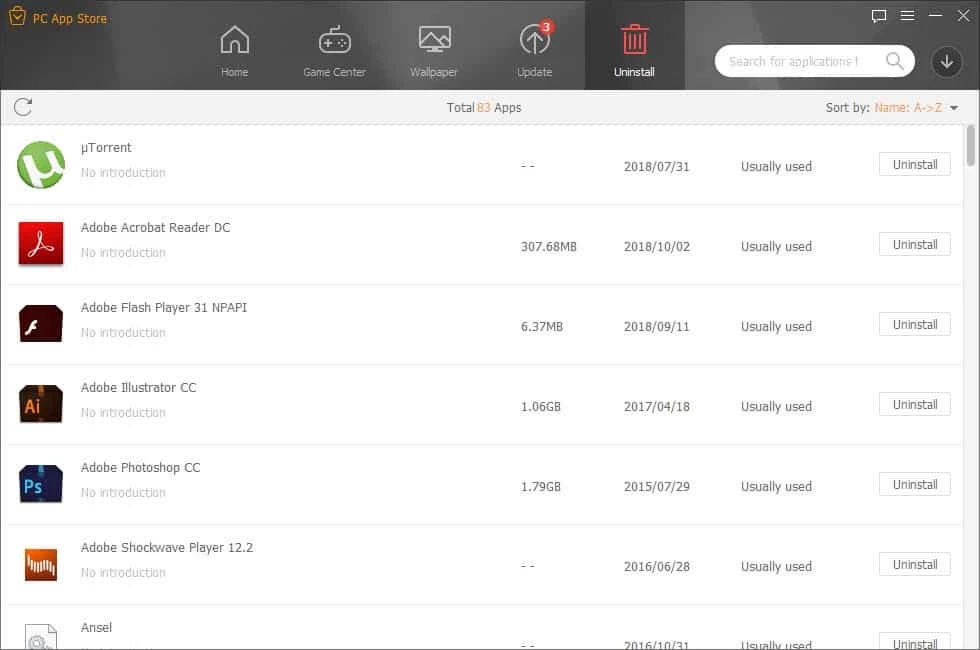
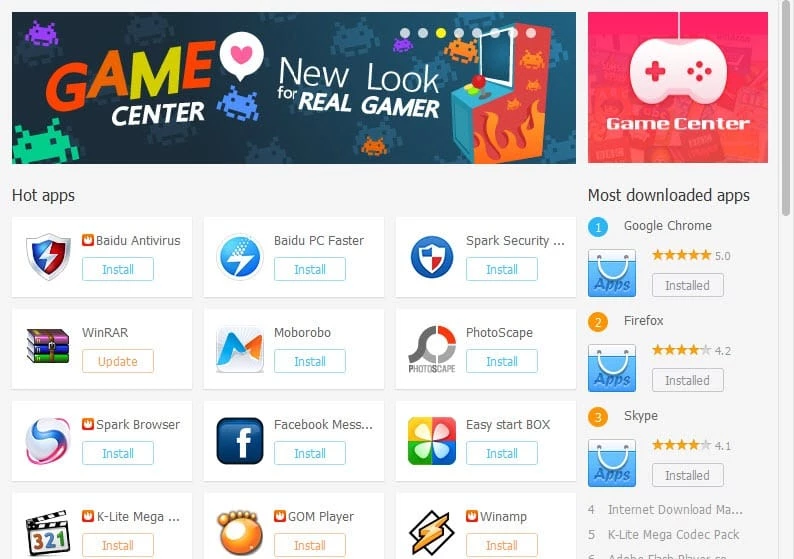
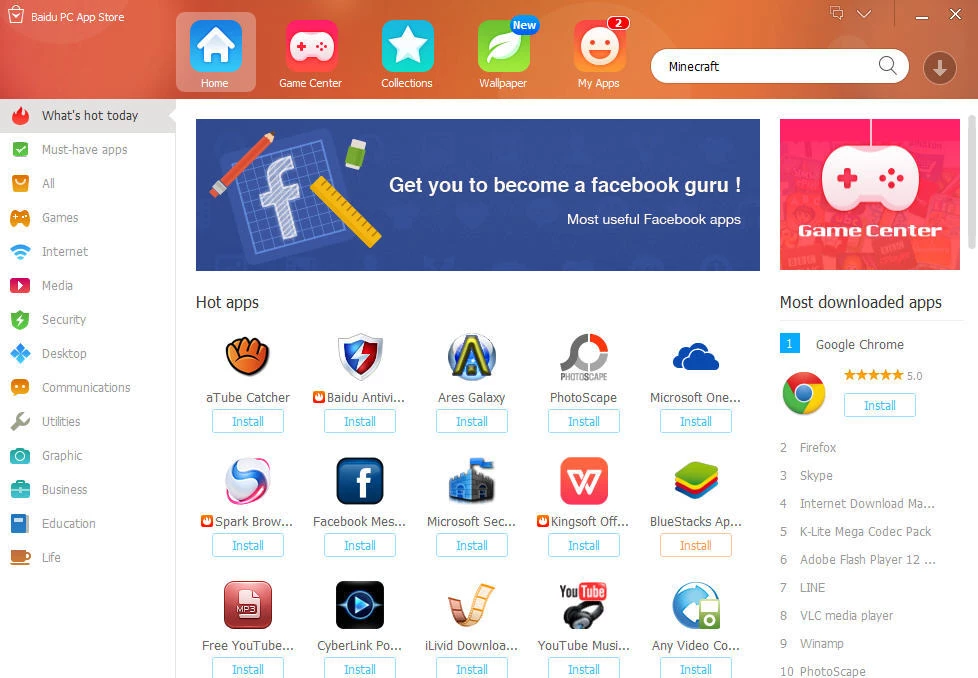
PC App Store 5.0.1.8682 for Windows is a free software store from Baidu that helps you find, install and update programs on a PC. It works as a single catalogue instead of many separate download sites; this page looks at who benefits from it and what to check before you rely on it.
PC App Store is a desktop client that lists Windows programs by category, lets you search for a title and installs it with a click. It also scans the software already on your computer and suggests updates when newer versions are available, and it can remove programs you no longer need. The idea is the same as an app store on a phone: fewer trips to individual websites and one window to manage everything. The client is small, about 22.17 MB according to catalogue data, and it is developed by Baidu, one of the large Chinese internet companies. Because the store is run by a third party rather than by the makers of the programs it lists, the quality of what you install depends on how well the store checks its catalogue and on your own attention while installing. Much of its catalogue and interface is aimed at users in China, so availability and language may differ from what you expect.
If you install software for work, need specific versions or care about exactly what ends up on your system, download programs from their developers directly or from the Microsoft Store. Users outside China may find the catalogue and interface less suited to them.
No official requirements list is available in our data. A current Windows PC with an internet connection is enough to run the client.
Other ways to get Windows software in our listings: Microsoft Store, built into Windows; Uptodown App Store, an international catalogue; and Tencent App Store, another store from a Chinese company.
Google Play is Google's digital distribution platform. On Windows, Google offers Play content through the browser and Google Play Games on PC.
Media Creation Tool is a free Microsoft utility that downloads Windows and turns it into a bootable USB flash drive or an ISO file.

LDPlayer is an Android emulator for Windows that runs mobile apps and games on a computer.

BlueStacks is an Android emulator for Windows that lets you run Android apps and games on your PC.
Rufus is a free Windows utility that turns a USB stick into a bootable installer. The current version is 4.15.
FAT32Format is a tiny free Windows tool from Ridgecrop Consultants that formats large disks and USB drives with the FAT32 file system.

Uptodown App Store for Windows is the desktop client of Uptodown, a marketplace for desktop software and mobile apps. This page covers version 1.0.3.
NoxPlayer is a free Android emulator from Bignox for Windows and macOS that runs mobile games and apps on a computer with keyboard and mouse control.